
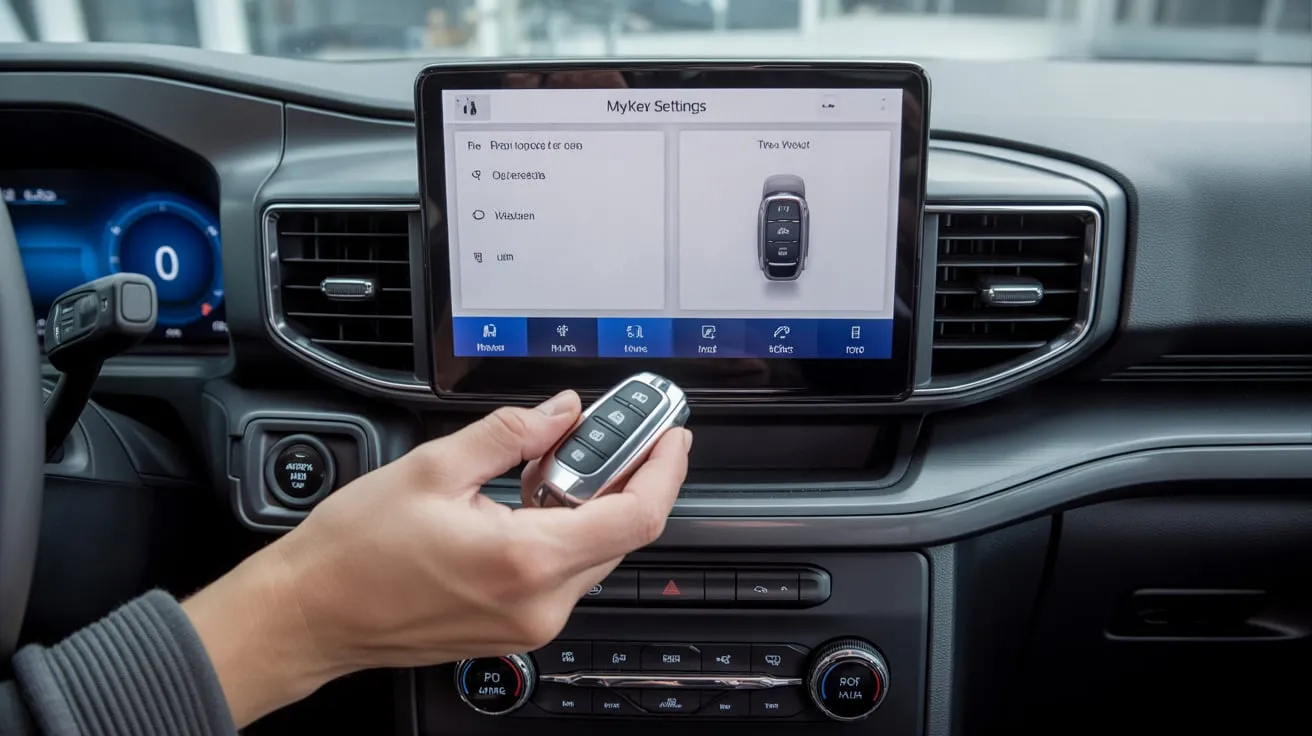
How to Remove MyKey from Ford – Reset MyKey Today
To remove MyKey from your Ford, use the Admin Key to access the MyKey menu and clear the settings. If you don’t have the Admin Key, reset it through the instrument cluster or contact a Ford dealer for assistance. Always check for system errors.
This guide will show you how to safely remove MyKey from your Ford, so you can restore all features and enjoy unrestricted driving.
What Is Ford MyKey and How Does It Work?
Ford MyKey is a feature that helps parents or car owners set driving limits for safety. It can control speed, Audio volume, and seat belt reminders. It works through a programmable key that automatically manages these settings when used.
Purpose of the MyKey Feature on Ford
The purpose of the MyKey feature on Ford is to help owners set safety limits for other drivers, like teens or valets. It controls speed, seatbelt use, and Audio volume, making driving safer and more responsible for everyone.
Also Read: What’s better Ford or Chevy – Find Out Now
Key Differences Between MyKey and Admin Key on Ford
- MyKey: Sets limits on speed, volume, and more.
- Admin Key: Provides complete access to all settings, including the ability to remove MyKey restrictions.
How MyKey Controls Driver Settings on Ford
Ford MyKey controls driver settings by setting limits for speed, radio volume, and safety alerts. It helps promote safe driving, especially for young or new drivers. The car owner can customize or remove these limits at any time through the primary key settings.
Why Would You Want to Remove MyKey from Your Ford?
- If you want to regain complete control of vehicle settings.
- To turn off restrictions on speed or Audio volume.
- To allow other drivers to use the vehicle freely.
Common Reasons to Disable or Remove MyKey on Ford
- Wanting full access to vehicle settings.
- Removing restrictions on speed and volume.
- If the key was programmed by mistake.
Benefits of Removing MyKey Restrictions from Ford
- No more speed or volume limits.
- Regain complete control over safety features.
- Flexibility for all drivers to use the vehicle.
When It’s a Good Idea to Clear MyKey on Ford
- When you need to remove restrictions.
- If the key was accidentally programmed.
- When ownership changes, and you want to reset settings.
How to Check If Your Ford Has a MyKey Programmed?
To check if your Ford has a MyKey programmed, start your car and open the Settings menu on the screen. Go to MyKey options. If you see “MyKey active” or several MyKeys, your vehicle has one or more set up.
Also Read: 2001 Ford F150 Transmission Fluid Type
Steps to Identify Active MyKey Settings on Ford
To find active MyKey settings on your Ford, start your car, open the Settings menu on the display, then select MyKey. Check options such as speed limit, Audio volume, and seatbelt reminder to see which are turned on.
How to Know Which Key Is the Admin Key on Ford
To know which key is the admin key on your Ford, start the car and open Settings > MyKey > Information on the screen. The admin key will show “Admin Key”, while other keys will show “MyKey” under the key status.
How to Remove MyKey from Ford Using the Admin Key?
To remove MyKey from your Ford using the Admin Key, start your car with the Admin Key, open Settings > MyKey > Clear MyKey on the dashboard screen, and confirm the option. This deletes all MyKey settings and restores full access.
Step-by-Step Process to Clear MyKey Settings on Ford
- Insert the Admin Key.
- Access the vehicle’s settings.
- Navigate to the MyKey menu and select “Clear MyKey.”
How to Access the MyKey Menu in Your Vehicle on Ford
To access the MyKey menu in your Ford, turn on your car, open the Settings on the display screen, and then choose MyKey. From there, you can easily view, change, or clear MyKey settings using your admin key.
Also Read: 2009 Ford Escape Oil Type – Choose Best Oil
What to Do If You Don’t See the “Clear MyKey” Option
If you don’t see the “Clear MyKey” option, check your Ford key settings and car manual. Make sure you are using the primary admin key. Sometimes, software updates or wrong key use hide this option.
How to Remove MyKey Without the Admin Key?
You can remove MyKey from your Ford without the admin key by visiting a Ford dealer. They can reset it safely using special tools. Trying to do it yourself without the admin key can cause problems.
Methods to Bypass MyKey Without Admin Access
If you forgot your MyKey password, you can reset it by using the car’s original key, disconnecting the battery for a short time, or visiting a Ford dealer. These methods let you remove MyKey safely without admin access.
Resetting MyKey Settings Through the Instrument Cluster
To reset MyKey settings through the instrument cluster, turn on your Ford, go to the dashboard settings menu, select MyKey, then choose “Reset” or “Clear,” and follow the on-screen instructions to restore full car access easily.
Alternative Ways to Clear MyKey Data
You can clear MyKey data by using the car’s settings menu or the owner’s manual instructions. If that doesn’t work, try using a Ford scan tool or visit a dealer to reset MyKey safely and quickly.
Can You Remove MyKey Using FordPass or SYNC?
Yes, you cannot remove MyKey via FordPass or SYNC. To remove it, you need the primary Ford key. Use it to turn off MyKey settings in your car menu. FordPass or SYNC alone cannot remove restrictions.
Also Read: What Oil Type Does a 2010 Ford F-150 Use – Get Oil Info
How to Use the FordPass App to Manage MyKey
Open the FordPass app, connect your Ford car, and go to the MyKey section. There, you can view, edit, or remove MyKey settings easily to control speed, volume, and safety features.
Removing MyKey via SYNC Settings Menu
You can remove MyKey from your Ford using the SYNC Settings menu. Go to Settings > Vehicle > MyKey, select the key you want to remove, then follow the on-screen instructions to delete it.
Limitations of FordPass and SYNC Methods
FordPass and SYNC help you connect your phone to your car, but they have limits. Some features may not work in all countries, updates can be slow, and certain functions require a strong internet connection or specific Ford models.
What If the Clear MyKey Option Doesn’t Work?
If the Clear MyKey option doesn’t work, try restarting your car and using the correct admin key. If it still fails, check your owner’s manual or visit a Ford dealer, as some MyKey limits may need a professional reset.
Troubleshooting Common MyKey Issues
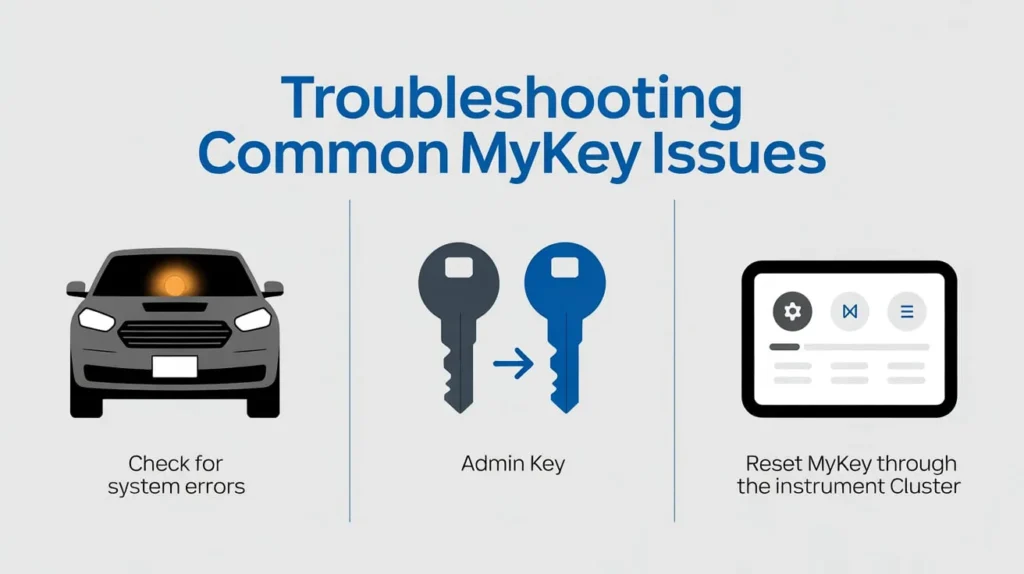
- Check for system errors.
- Ensure you’re using the correct key.
- Reset MyKey through the instrument cluster.
Checking for Software or System Errors
Checking for software or system errors helps identify issues with your device or car system. It shows mistakes, glitches, or updates needed. Regular checks keep everything running smoothly, prevent bigger problems, and make your system work correctly.
When to Contact a Ford Dealer for Help
You should contact a Ford dealer when your car has problems you cannot fix, like engine issues, warning lights, software updates, or recalls. Dealers can give professional help, parts, and advice to keep your Ford safe and running well.
Also Read : 2015 Ford Explorer Oil Type
How to Reset MyKey to Default Settings?
To reset MyKey to its default settings, go to your Ford’s settings in the dashboard menu, select MyKey, and choose “Clear All MyKeys.” This removes limits and restores standard key settings. Make sure the car is on and in park.
Factory Reset Method for MyKey System
To factory reset the MyKey system, start your Ford car with the admin key, go to the settings menu on the dashboard, select “MyKey,” and choose “Erase All MyKeys.” This removes all restrictions and resets the system.
How to Perform a Full System Reset
To perform a complete system reset, go to your device or car settings, find the “Reset” or “Factory Reset” option, and follow the steps carefully. This clears all data and restores the system to its original factory settings.
Precautions Before Performing a Reset
Before performing a reset, make sure to save all important data, check your device or car battery, understand what will be erased, and follow the correct steps. This helps avoid problems and keeps your system safe.
Does Removing MyKey Affect Your Warranty or Settings?
Removing MyKey from your Ford usually does not affect your car’s warranty. It also does not permanently change other settings. You can safely remove it, but some customized limits or alerts will no longer work.
Impact of Removing MyKey on Vehicle Warranty
Removing MyKey from your Ford car usually does not void the vehicle warranty. But if any damage occurs due to changes or misuse during removal, the warranty may not cover those repairs. Always follow Ford’s official steps.
How It Affects Safety and Driver Profiles
Driver profiles help track driving habits, speed, and seatbelt use. This can improve safety by warning of risky behavior and adjusting car settings. It also personalizes the car experience, but may limit some functions for specific drivers.
What to Do After Removing MyKey
After removing MyKey, check your car settings to ensure all restrictions are removed. Test driving helps confirm full speed and Audio access. Update your car system if needed and keep your key safe for future use.
Best Way to Remove MyKey Safely and Effectively
After removing MyKey, check your car’s settings to confirm all restrictions have been removed. Test driving helps confirm full speed and Audio access. Update your car system if needed and keep your key safe for future use.
Tips to Prevent Future MyKey Problems
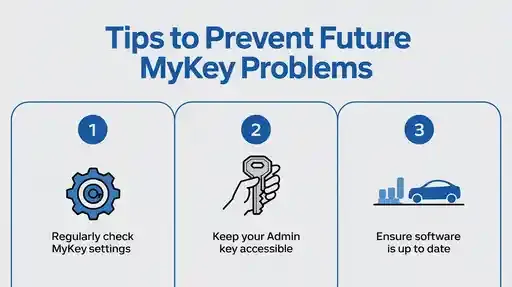
- Regularly check MyKey settings.
- Keep your Admin Key accessible.
- Ensure software is up to date.
FAQ’S
1. Can You Disable Ford MyKey Without the Admin Key?
No, you cannot disable Ford MyKey without the Admin Key. The Admin Key is required to remove restrictions.
2. Is It Safe to Reset the MyKey Settings in Your Ford?
Yes, resetting MyKey settings is safe. It only removes restrictions without affecting other vehicle functions.
3. Do I Need to Visit a Ford Dealer to Remove MyKey?
No, you don’t need to visit a Ford dealer if you have the Admin Key. If you don’t, the dealer can help.
4. Can Ford MyKey Be Removed Using FordPass or SYNC?
Yes, FordPass and SYNC can manage MyKey settings. However, complete removal may depend on your vehicle’s compatibility.
5. Does Removing MyKey Affect Vehicle Safety Features?
No, removing MyKey doesn’t affect basic safety features, but it removes the specific restrictions, such as speed or volume limits.
Conclusion
Removing MyKey from your Ford restores complete control of your car’s features, including speed, Audio, and safety settings. Using the Admin Key or visiting a dealer ensures a safe and proper reset. Always check your settings afterward, update your system if needed, and keep your key secure to avoid future MyKey issues and maintain a smooth, unrestricted driving experience.



2 Comments