
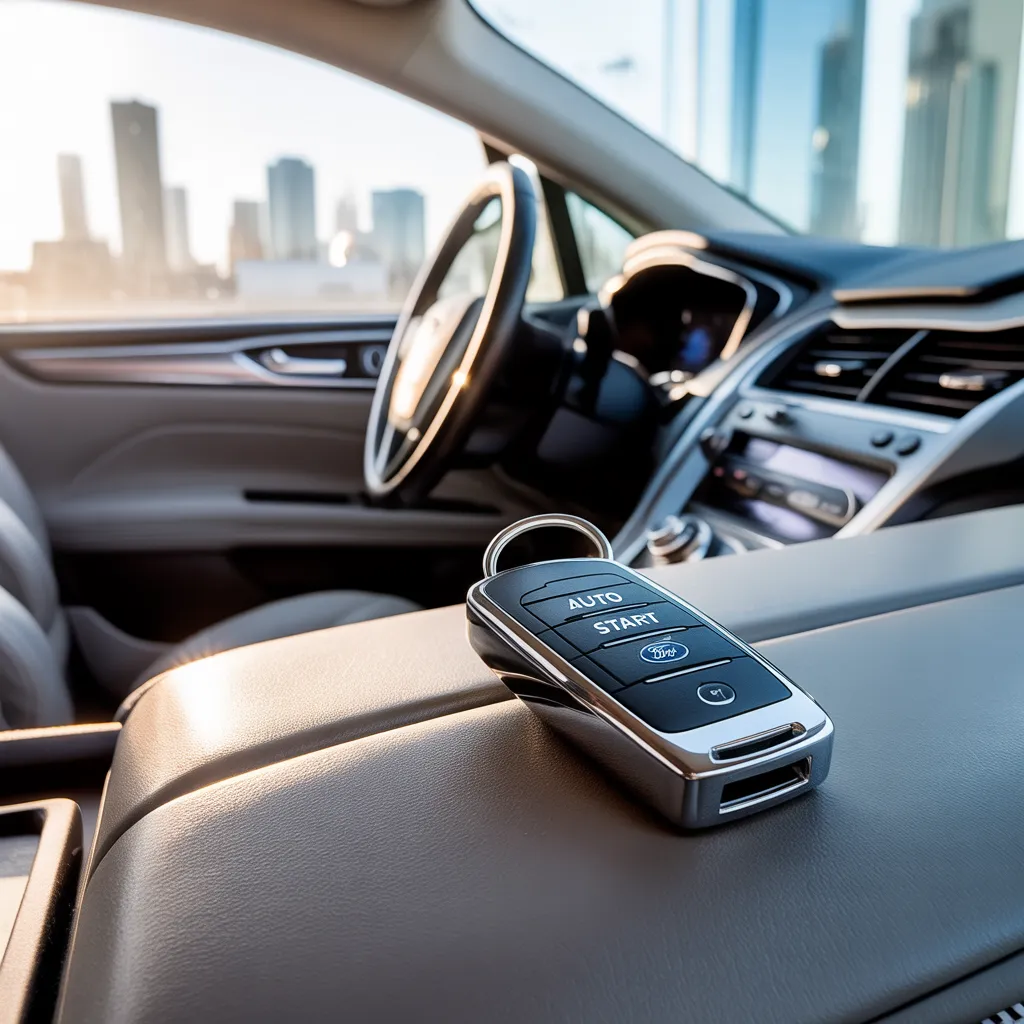
What is Auto Start on a Ford Fusion – Unlock Efficiency
Auto Start on a Ford Fusion is a feature that allows the car to turn off the engine when you stop, such as at a red light, and then restart it when you press the gas pedal. It saves fuel and reduces pollution.
In this guide, you will learn about the Auto Start feature, which is particularly useful in city driving, where frequent stops are common, providing both savings and a cleaner driving experience.
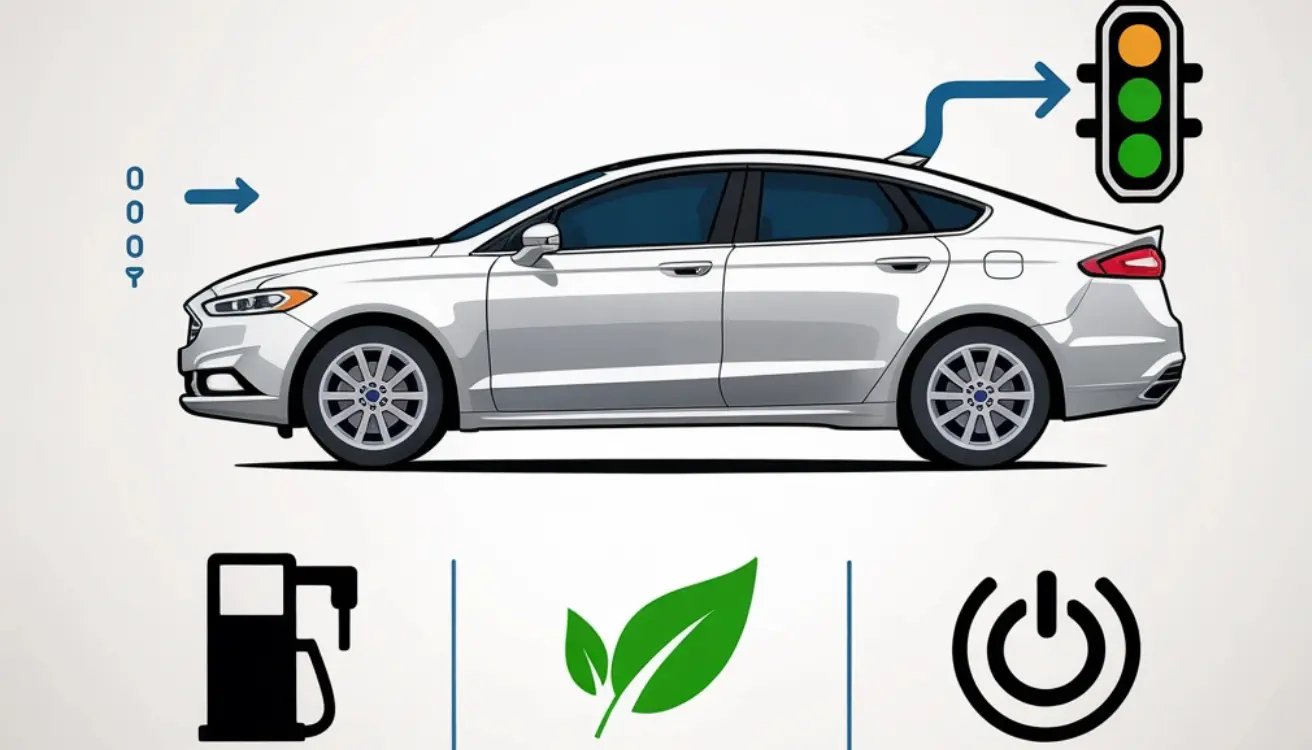
How Does Auto Start Work on a Ford Fusion?
Auto Start in a Ford Fusion turns off the engine when you stop the car, like at traffic lights. When you lift your foot from the brake, the engine starts again. This helps save fuel and reduce emissions.
Also Read: Ford Non-Interference Engine List
Which Ford Fusion Models Have Auto Start?
Ford Fusion models from 2017 onwards, especially those with higher trims such as Titanium, come equipped with the Auto Start-Stop feature. This system automatically shuts off the engine when the car is stopped to conserve fuel and reduce emissions.
- 2013–2020 models:
SE, Titanium, Hybrid, and Energi trims often came with Remote Start, either standard or optional.
- 2017 and Newer gas models:
Included Auto Start-Stop to save fuel when idling.
- Hybrid and Energi (Plug-in Hybrid):
Have Auto Start built into the hybrid system for better fuel efficiency.
Is “Remote Start” the same as “Auto Start-Stop” on a Ford Fusion
No, “Remote Start” and “Auto Start” are not the same in a Ford Fusion. Remote Start allows you to start your car from a distance, while Auto Start-Stop turns off the engine at stops to conserve fuel and then restarts it automatically.
Also Read: Ford Fusion 2020 Oil Type
How to Use Auto Start on a Ford Fusion
- Ensure the Car is locked – Remote start works only when the car is fully closed.
- Press the Lock Button – Press the lock button on your key fob once.
- Press Remote Start Button Twice – Within 3 seconds, press the ⟳ (circular arrow) button two times.
- Engine Starts Automatically – The parking lights will flash to indicate that the engine has started.
- Enter and Drive – Get in, press the brake pedal, then the start button to begin driving.
Is Auto Start Safe for the Engine of a Ford Fusion?
Yes, Auto Start is safe for the engine. Ford designed this feature to work smoothly without harming engine parts. It helps save fuel and reduce emissions. Regular maintenance ensures the system operates efficiently for an extended period.
Also Read: 2001 Ford F150 Transmission Fluid Type
What Problems Can Occur with the Auto Start in a Ford Fusion?
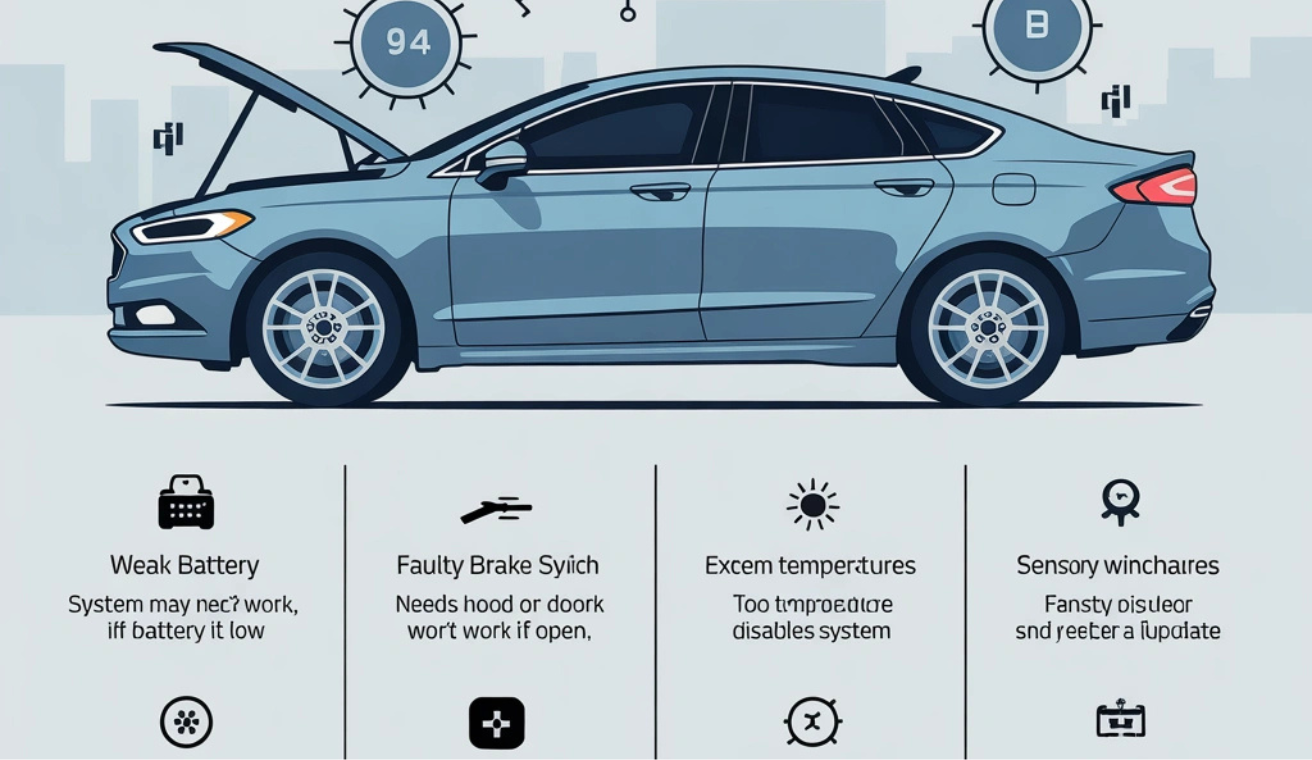
- Weak Battery – The System may not work if the battery is low.
- Faulty Brake Switch – Auto Start requires brake input; a defective switch can prevent it from functioning.
- Open Hood or Door – The feature won’t work if the doors or hood are open.
- Engine Too Hot or Cold – Extreme temperatures can cause the system to malfunction.
- Software Glitch – Sometimes, it requires a system reset or update.
- Sensor Issues – Faulty sensors may stop the Auto Start from working correctly.
- Manual Override – The system may be set incorrectly or overridden by the driver.
- Warning Lights On – If a warning light is on, Auto Start may be disabled.
How Do You Troubleshoot Auto Start Issues on a Ford Fusion?
- Check if doors and hood are fully closed – Auto Start won’t work if they’re open.
- Test the car battery – A Weak battery can stop the system.
- Look for dashboard warning lights – These can disable Auto Start.
- Ensure the brake pedal is working – A faulty brake switch may prevent the system from functioning correctly.
- Turn Auto Start back on – It may have been manually turned off in the car settings.
- Restart the car – A simple reset can sometimes fix minor issues.
- Inspect sensors – Dirty or faulty sensors can affect the Auto Start feature.
- Visit a mechanic if needed – If all fails, get the system checked professionally.
Tips for Using Auto Start Efficiently on a Ford Fusion
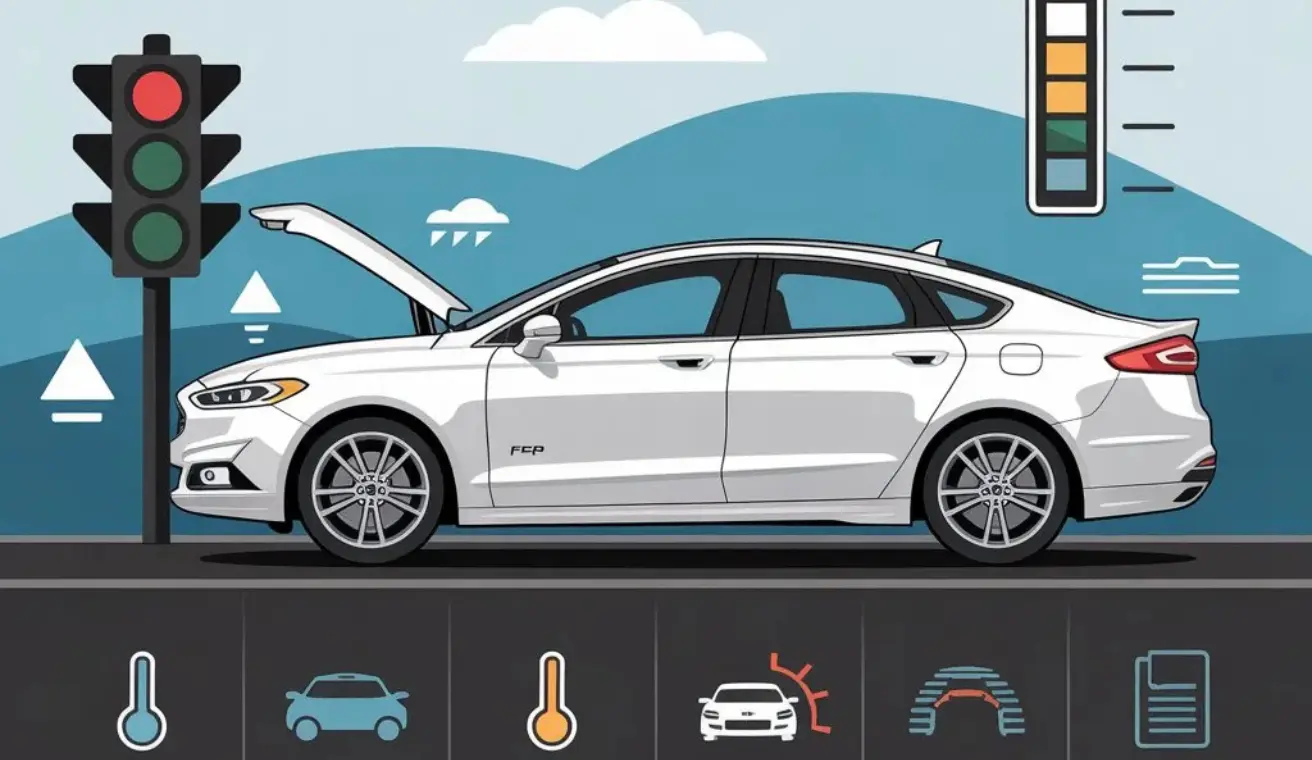
- Use in traffic, not for short stops – Best suited for long red lights or heavy traffic, rather than quick pauses.
- Keep battery healthy – A weak battery can cause Auto Start to stop working.
- Avoid overuse in extreme weather – In very hot or cold weather, Auto Start may cause excessive stress to the engine.
- Check the hood and doors – The system won’t work if anything is left open.
- Don’t press the brake too hard – Light pressure is enough to activate the system.
- Know when to deactivate it – Turn off Auto Start when driving in stop-and-go traffic or on steep hills.
- Keep sensors clean – Dirt can block signals and cause Auto Start to fail.
- Use the owner’s manual – Always check the manual for car-specific tips.
Does Auto Start-Stop affect battery life in a Ford Fusion?
Yes, Auto Start-Stop in a Ford Fusion can affect battery life because the system uses the battery more often. If the battery is not strong or gets old, it may wear out faster and need replacement sooner.
Also Read: 2012 Ford Fusion 2.5 transmission fluid type
Can Auto Start-Stop be permanently disabled in a Ford Fusion?
No, the Auto Start-Stop feature cannot be permanently turned off in a Ford Fusion through standard settings. It turns back on every time you restart the car. Only special tools or software changes can fully turn it off, which may void the warranty.
FAQs
1. Does Auto Start work if the air conditioner is on?
Yes, but the system may behave differently. If cooling is needed, the engine might stay on to keep the AC running.
2. Can Remote Start run the engine for a long time?
No, Ford limits Remote Start time (usually 5–15 minutes). You can extend it once, but it will stop automatically to conserve fuel and battery.
3. Is it okay to use Auto Start-Stop every day?
Yes, it’s safe for daily use. The system is made for regular driving, but keeping the battery and engine well-maintained is essential.
4. Why does my Auto Start-Stop work sometimes but not always?
This occurs when conditions such as battery level, temperature, or open doors impact the system. It’s normal and depends on how the car is running.
5. How can I tell if Auto Start is turned off in my Ford Fusion?
Check your dashboard. If the Auto Start-Stop icon has a line through it or the light is on, it means the system is turned off or paused.
Conclusion
In conclusion, the Auto Start feature on a Ford Fusion is a valuable addition that enhances fuel efficiency and reduces emissions, particularly in city driving. Automatically turning off the engine when stopped and restarting it when needed helps save fuel. Proper maintenance, such as monitoring the battery and keeping the sensors clean, will ensure smooth performance. Enjoy a greener driving experience with Auto Start!



4 Comments